























How to play
1. Choose a quiz
Open New Quiz. Pick a subject and category, or Mixed. Choose the level, count and mode. The inventory check tells you how many approved questions match before you start.
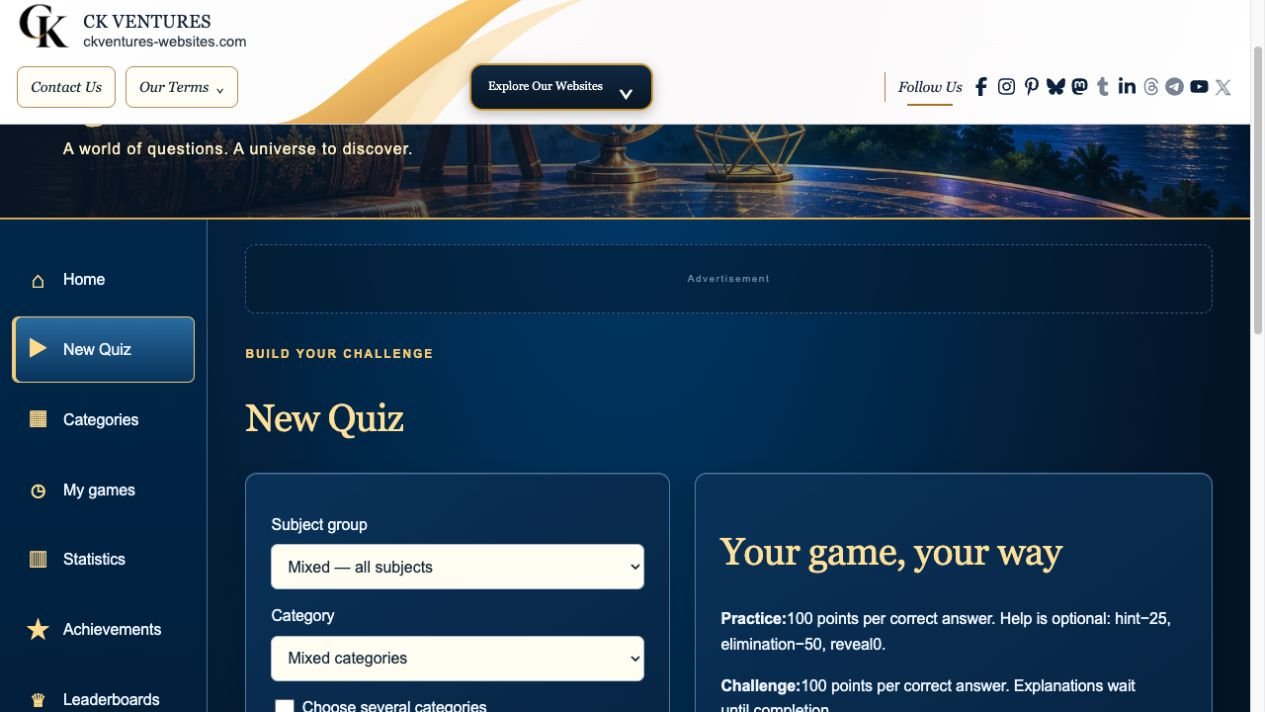
2. Select, then submit
Choosing A, B, C or D does not submit. Check your selection and press Submit answer. A submitted answer is locked and saved.

3. Learn or compete
Practice shows the explanation immediately. Challenge and Timed withhold correctness until the quiz ends, so a score change cannot reveal the key. Timed uses a server clock; leaving or changing your device clock does not pause it.
4. Use help in Practice
Hint subtracts 25 points. Eliminate two subtracts 50 and removes two wrong choices. Both apply once per question and never make an award negative. Reveal immediately locks the item with zero points.
5. Finish and review
Next moves forward after submission. At the end, review your score, accuracy, category breakdown and explanations. Retry creates a new session; it never overwrites a result.

6. Save and resume
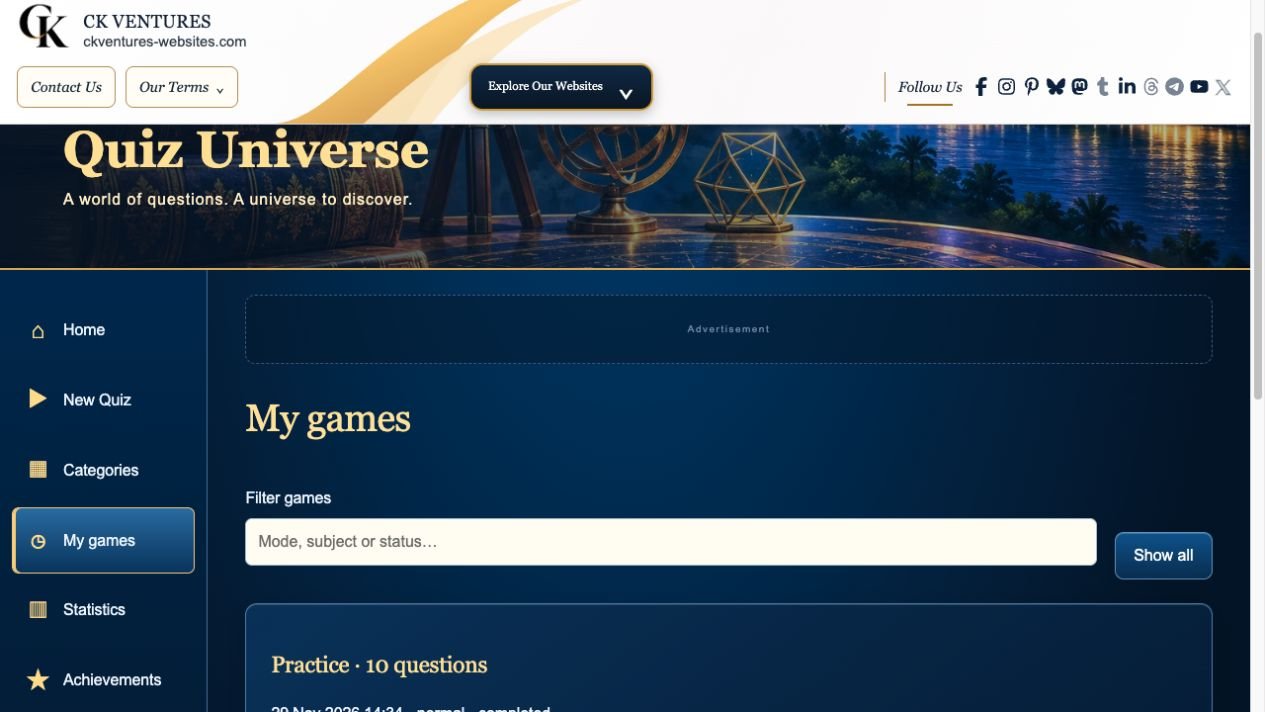
Your choices, help actions and submissions save on the server. Untimed games can pause. Open My games to resume. After a network error, reload before switching devices; only confirmed saves are preserved.
7. Local players
Choose 2–8 players. Each takes a turn on the same question, then passes the device. Keep selections private during handover. Answers and explanations stay hidden until the game ends. This is local play, not an online lobby.
8. Privacy and support
Accounts and history are private by default. Parents should manage children’s practice. Only adults may choose a public leaderboard alias. Contact Us in the shared banner handles support and account privacy requests.
Reference acknowledgments
Capital associations use GeoNames geographical data, licensed under CC BY 4.0; question wording and alternatives are original. Element facts are checked against PubChem and the NIST periodic table. Numerical examples include their assumptions and worked solutions.